How do I find my unique survey link on RankMyAgent?
You may need your unique survey link so that you can send a review request via your own email or from your CRM system.
To find your unique survey link:
1) Find your public profile on RankMyAgent
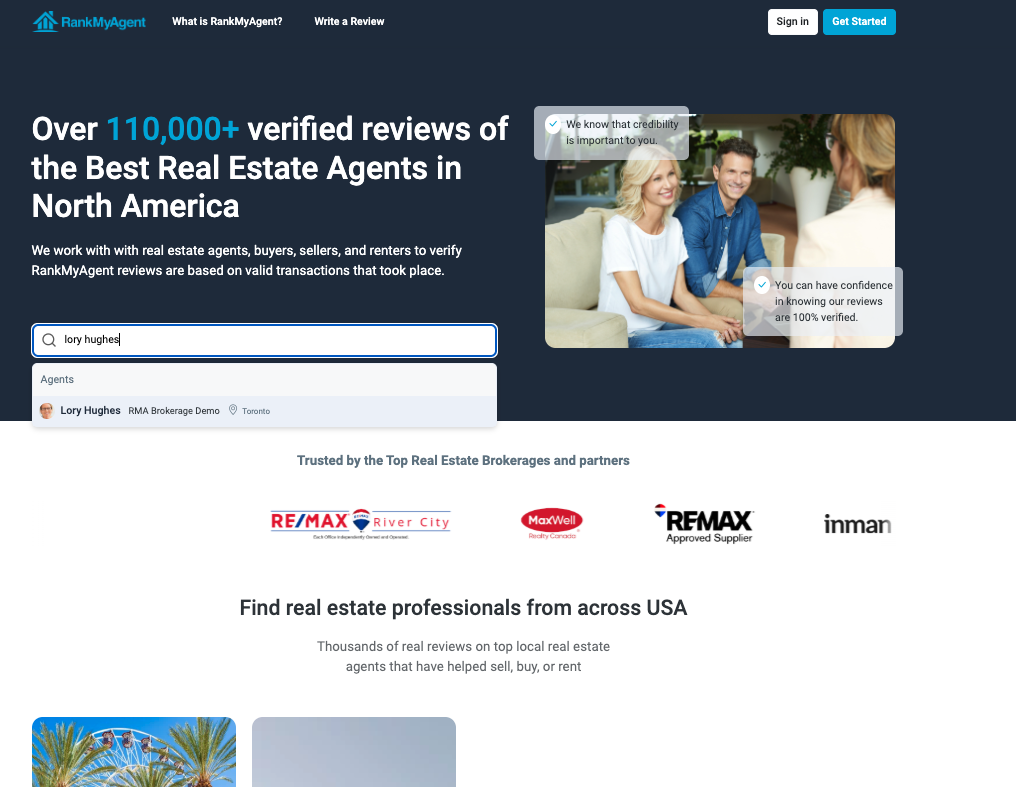
2) Click 'write a review'
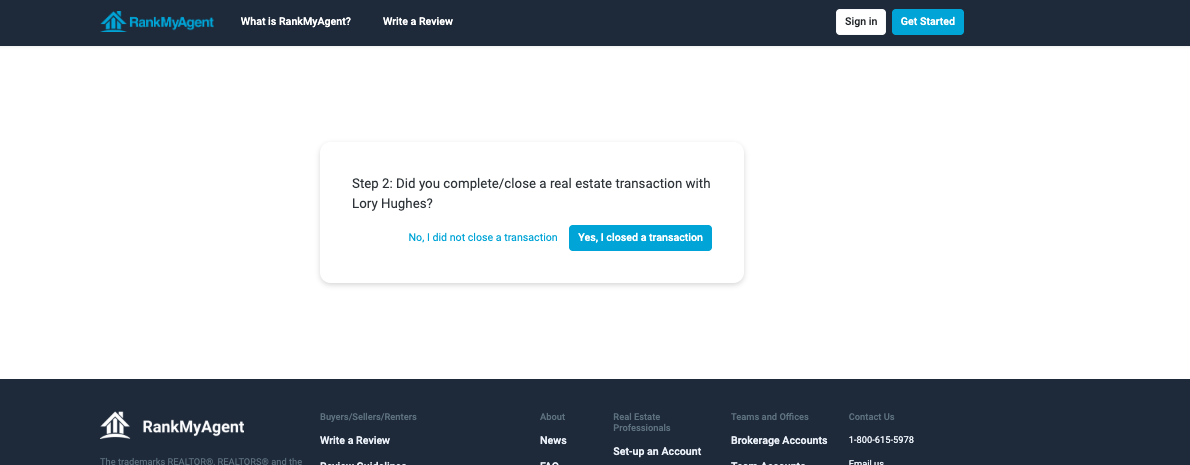
3) You will be taken to a page confirming the client has firmed up the transaction
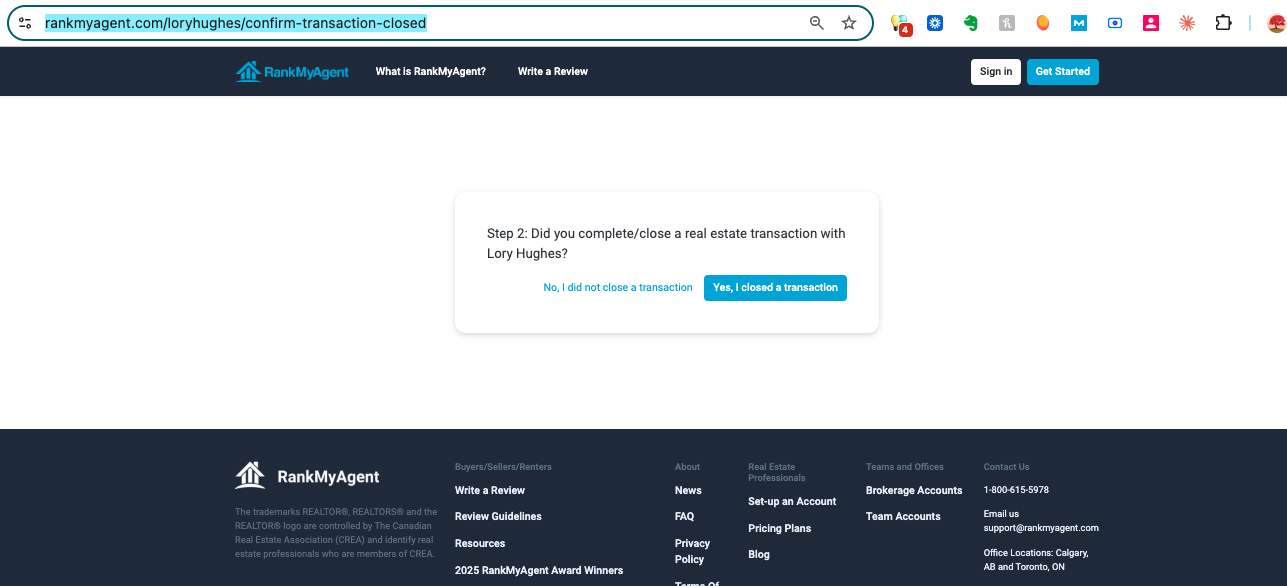
4) Copy this URL and add it to your email/ text messages or CRM system.
If you need any help, please reach out to support@rankmyagent.com